For Mac · iPad · iPhone

Light, with a touch of thought.

The calm way to set your Godox lights. Turn a dial, keep the look as a setup, and bring every light back with one touch.

Sign in with Apple or Google. Every light, free.

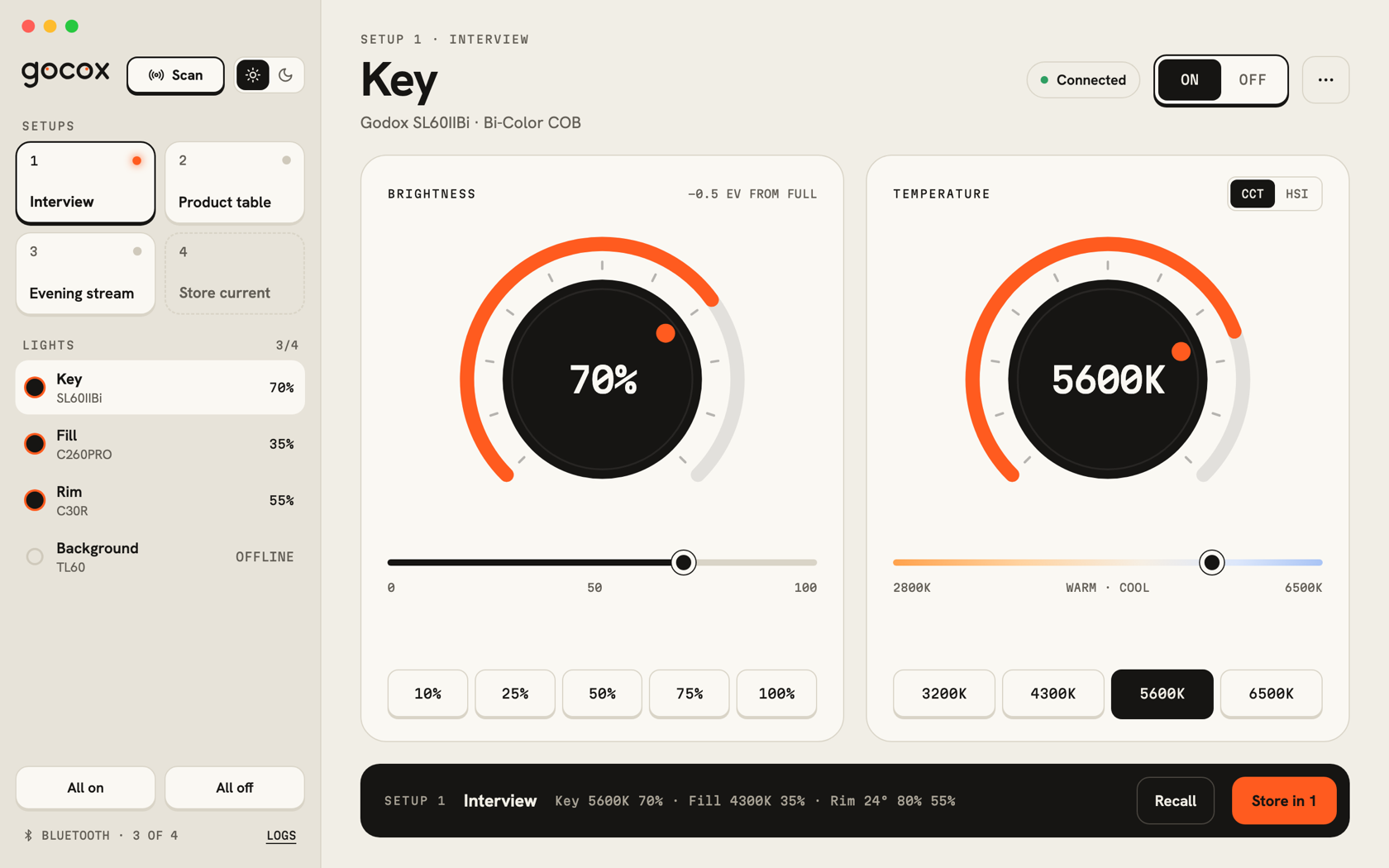
Setup 1 · InterviewKeyGodox SL60IIBi · Bi-Color COB
Connected
−0.5 EV from full
70%

This is the real control, the same as in the app. Turn it with the keys, the rail or the arrow keys.

One app · every screen

Made for every screen in your studio.

The same lights and setups on your Mac, iPad and iPhone. Pick one to see what it does there.

01 / 05
Gocox: 01 main lightGocox: 01 main light
Gocox for Mac

Light, with a touch of thought.

The calm way to set your Godox lights from a Mac.

Gocox for Mac

Coming soon to the Mac App Store. Leave your email and we’ll tell you the day it lands.

One email when Gocox for Mac is out, nothing else. By signing up you agree to the Privacy policy. Unsubscribe any time.

What it does

Everything Gocox does.

Big dials, setups, widgets and Siri. The same list you’ll find on the App Store.

Set it by feel

Big dials, not menus.

  • Brightness and color temperature on two big dials.
  • Drag, scroll, use the arrow keys, or type an exact value.
  • One-tap brightness keys from 10 to 100%.
  • Temperature keys that only offer what your light can do.
Full color

Every color, one turn away.

  • A hue dial that shows the whole spectrum.
  • Saturation on its own rail.
  • Eight color keys for the looks you reach for most.
1Interview
2Product table
Setups

Save the look. Bring it back.

  • Store how every light is set: Interview, Product, Late stream.
  • Recall a setup and every light follows at once.
  • A lit key tells you the lights still match.
  • Rename, update or delete a setup in one place.
ScanningKeySL60IIBi70%
Scan · connect

Your lights, found for you.

  • Press Scan. Gocox finds nearby Godox lights and connects.
  • It reads how each light is set, so nothing jumps.
  • Name your lights and see each one at a glance.
  • All on and All off for the whole room.
KeyFillRim
Widgets · iPhone and iPad

Widgets that do the work.

  • Power gauges for one light or all of them.
  • Recall a setup straight from the Home Screen.
  • Lock Screen gauges, badges and a one-line status.
  • Keys work inside the widget. The app doesn’t open.
1
Control Center · Action button

One press from anywhere.

  • Lights, Light, Recall Setup and Brighter controls.
  • Add them to Control Center or the Lock Screen.
  • Or put one on the Action button.
“Recall Interview in Gocox.”“Gocox lights off.”
Siri · Shortcuts

Just ask.

  • Siri knows your setups by name. Nothing to set up.
  • Eight Shortcuts actions: recall, on or off, brightness, color and more.
  • Build your own automations in the Shortcuts app.
Try it
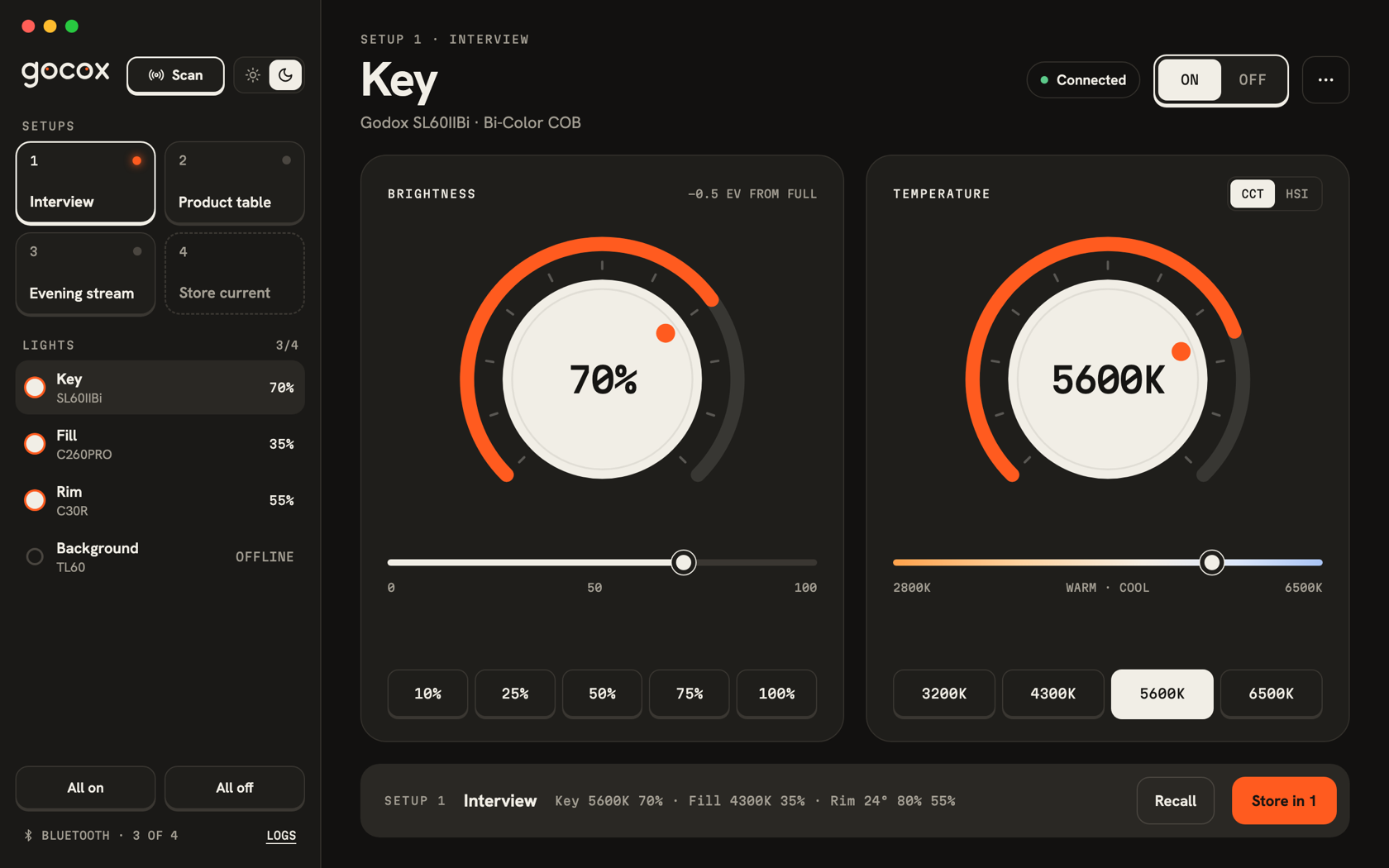
Light or dark

Ivory by day. Dark at night.

  • A warm ivory look for daytime work.
  • A deep, quiet dark look for the studio at night.
  • Follows your device, or pick one with a single switch.
⌘1⌥⌘1⌘⇧SSPACE
Made for the Mac

At home on the Mac.

  • Native Bluetooth for quick, steady control.
  • Runs natively on Apple silicon and Intel Macs.
  • Trackpad, mouse and keyboard shortcuts for every setup.
Works with

Godox lights with Bluetooth control.

Bi-color, daylight and full-color (RGB) versions. Tested so far on the Litemons C30R and the C260PRO.

Gocox is an independent app. It is not affiliated with, sponsored or endorsed by Godox. Godox and the product names here are trademarks of their respective owners.

  • SL COB monolights
  • Litemons LA
  • Knowled M and MG
  • SZ zoom COBs
  • VL · UL · FV
  • C and P LED panels
  • LD soft panels
  • ES key lights
  • TP and TL tubes
  • LC light sticks
  • C and M pocket lights
  • CL10
  • ML
  • FH and FL flexible mats
  • Tested: C30R · C260PRO